
Capture receipts
Receipts by photo, upload or email. Filed in the right place, instantly.
Three ways that fit into your day: with your smartphone when you’re out, by drag and drop at your desk, or automatically through a dedicated email address for each company.
In detail
An app with nothing to install
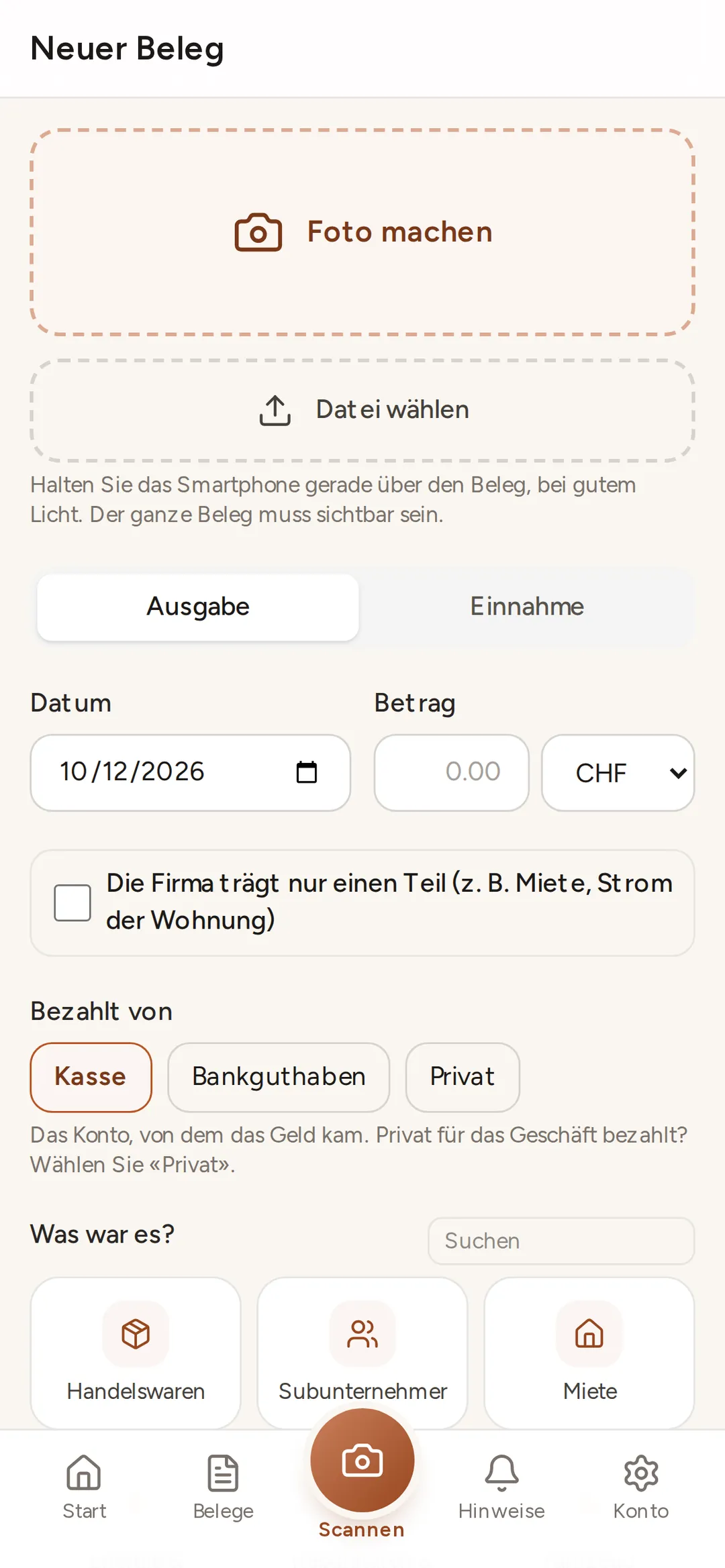
app.buchsnap.ch runs in the browser on iPhone and Android. Add it to your home screen, photograph the receipt and you’re done. HEIC photos from your iPhone work too.
Drag and drop
Drag PDFs, JPGs, PNGs and bank statements into the client dashboard, as many at once as you like. Images are converted automatically into PDFs suitable for archiving.
Your own receipt address
Every company gets an address such as example@buchsnap.ch. Anything sent there is picked up, attachments and all. Ideal for suppliers who invoice by email.
Buchsnap app
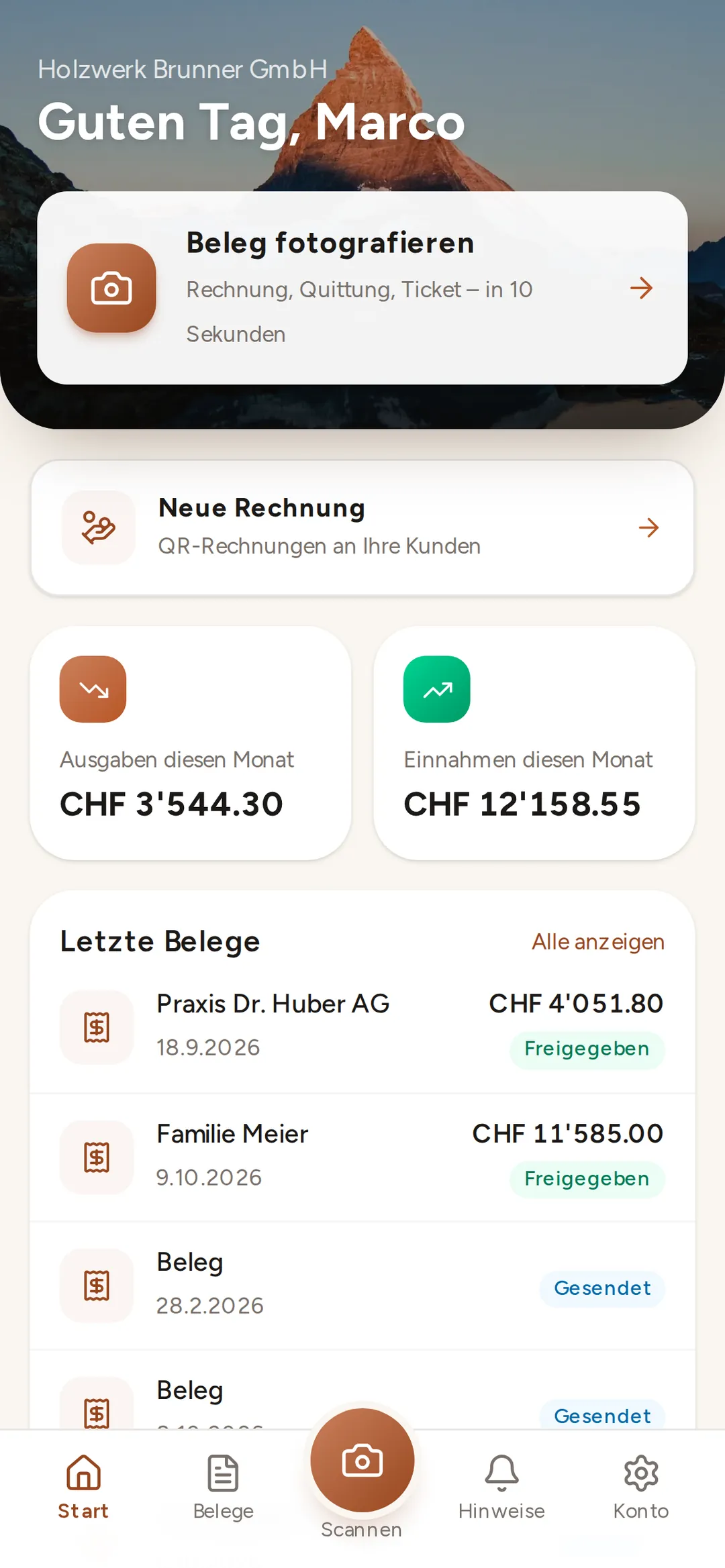
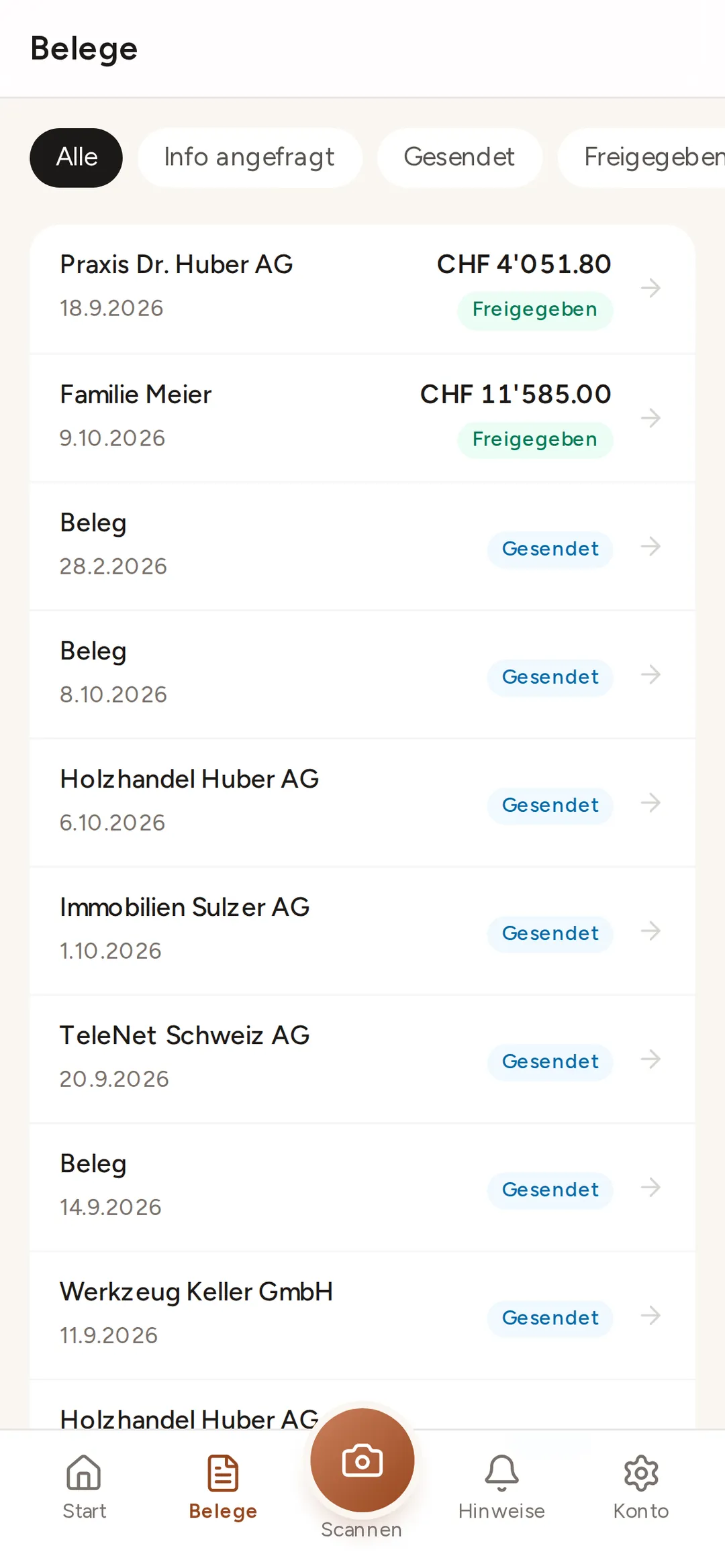
Photograph a receipt: three taps, ten seconds
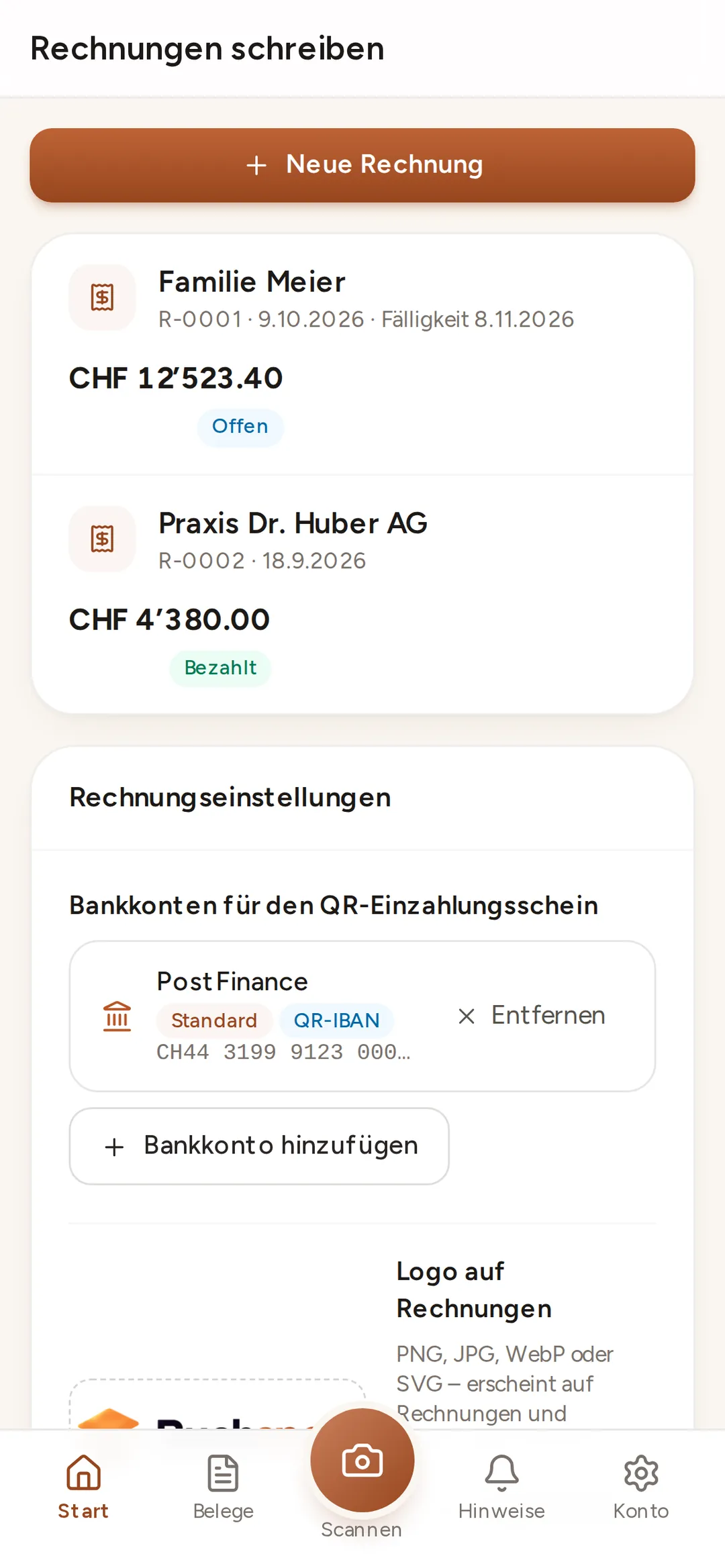
app.buchsnap.ch runs in the browser on iPhone and Android. Once installed, it sits on your home screen like any other app. No app store, no updates.
 Enlarge ↗
File storage
Every receipt in the right folder
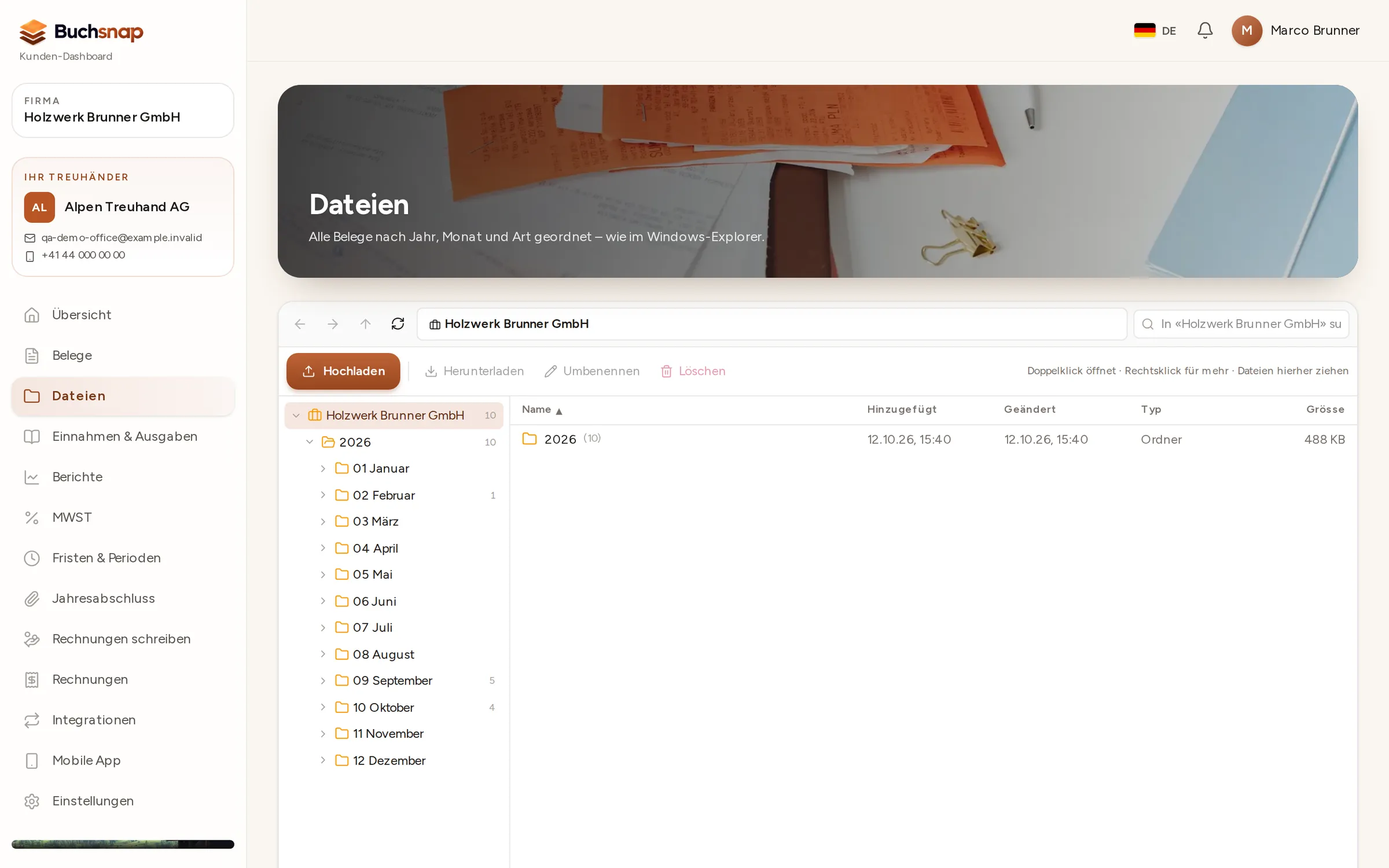
File storage works just like the file explorer on your computer: folders by year and month on the left, files with date, size and type on the right. Accountant and client see the same structure.
- 1Sorted automaticallyReceipts, invoices, bank statements and other documents land in the right monthly folder.
- 2Works the way you’re used toCreate folders, rename with F2, right-click, drag and drop.
- 3SearchSearch by name across all years, and sort the results.
File storage that sorts itself
Every receipt is filed by year and month, with folders for expenses, sales, bank and other documents. The explorer works just like the one on your computer: folders, search, sorting, right-click.
- Year → month → folder, automatically
- Duplicate uploads are detected
- Search, sorting and right-click, just like on your computer
FAQ
Frequently asked questions
Which file formats can I upload?
How do I get my own email address?
Do I need to keep the paper receipts?
Does the app work offline?
Who can see my receipts?
Try it out with one of your clients.
Free for accounting firms. Sign-up takes three minutes.