
Collaboration
Queries with deadlines, not endless email threads.
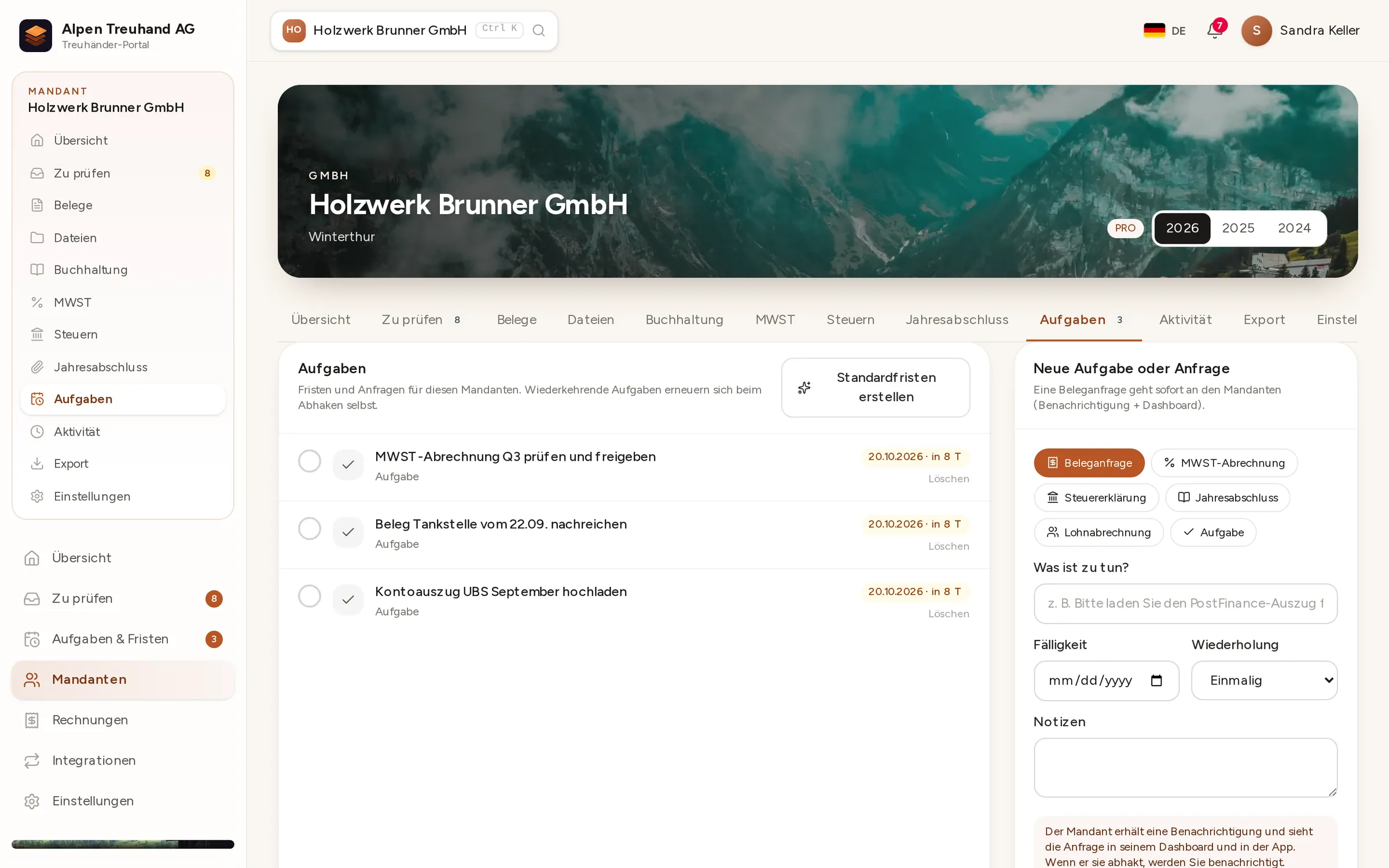
If a receipt is missing, create a task. Your client gets a push notification, uploads the receipt right there, and the task is done.

In detail
Tasks with deadlines
For missing receipts, signatures or details. Your client can see at once what’s outstanding and when it’s due.
Push notifications
Notifications on the smartphone and in the portal, in each person’s own language.
Your logo, your colours
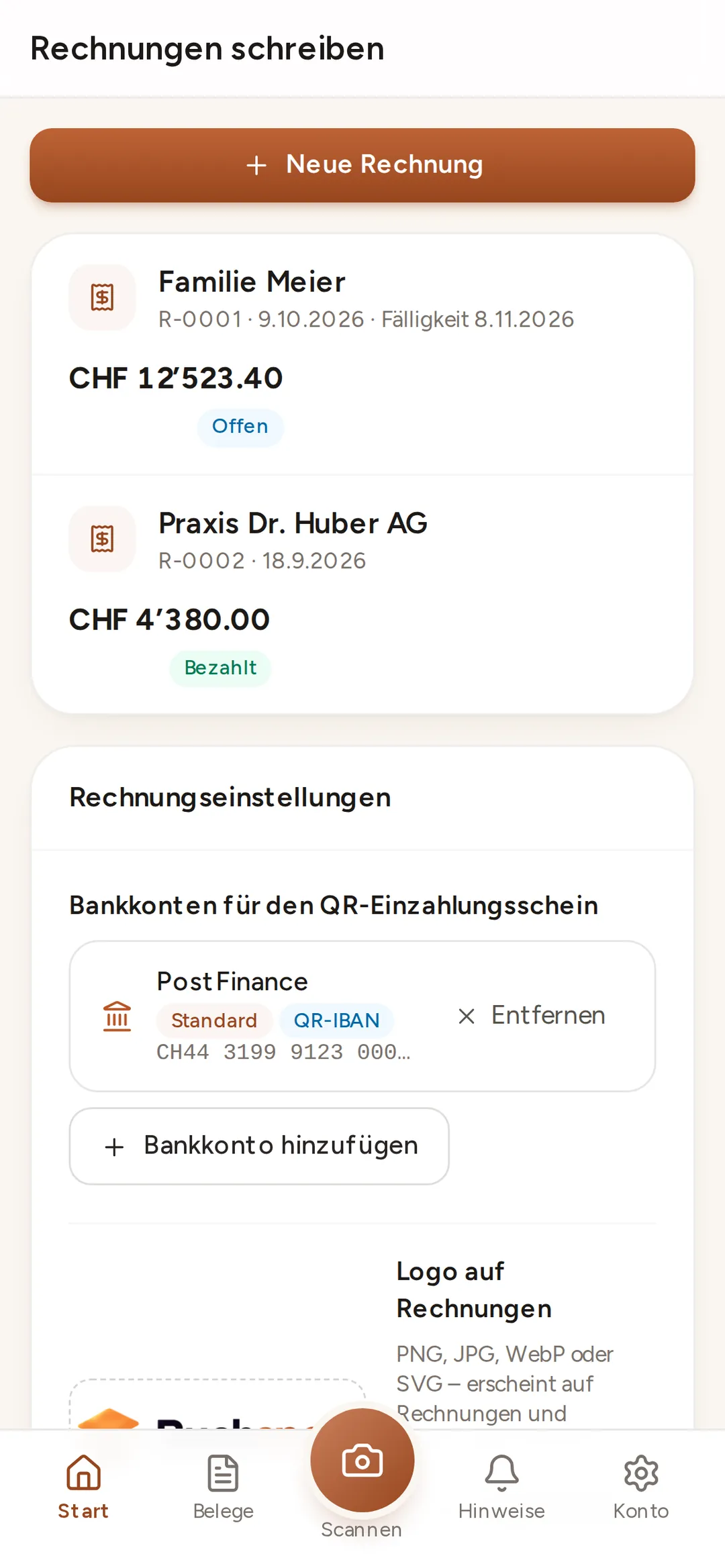
The client portal, app and invoices all carry your firm’s branding.
 Enlarge ↗
How it works
One query, one task, one answer
Instead of emailing attachments back and forth, accountant and client work in the same place. Anything missing becomes a task. Anything delivered reaches the accountant instantly.
- 1Create a taskThe accountant creates a task with a deadline, one-off or recurring.
- 2NotificationThe client gets a push notification and sees the task in their dashboard.
- 3RespondUpload the receipt straight to the task, or write a message.
- 4DoneThe accountant sees the reply instantly and ticks it off.
Buchsnap app
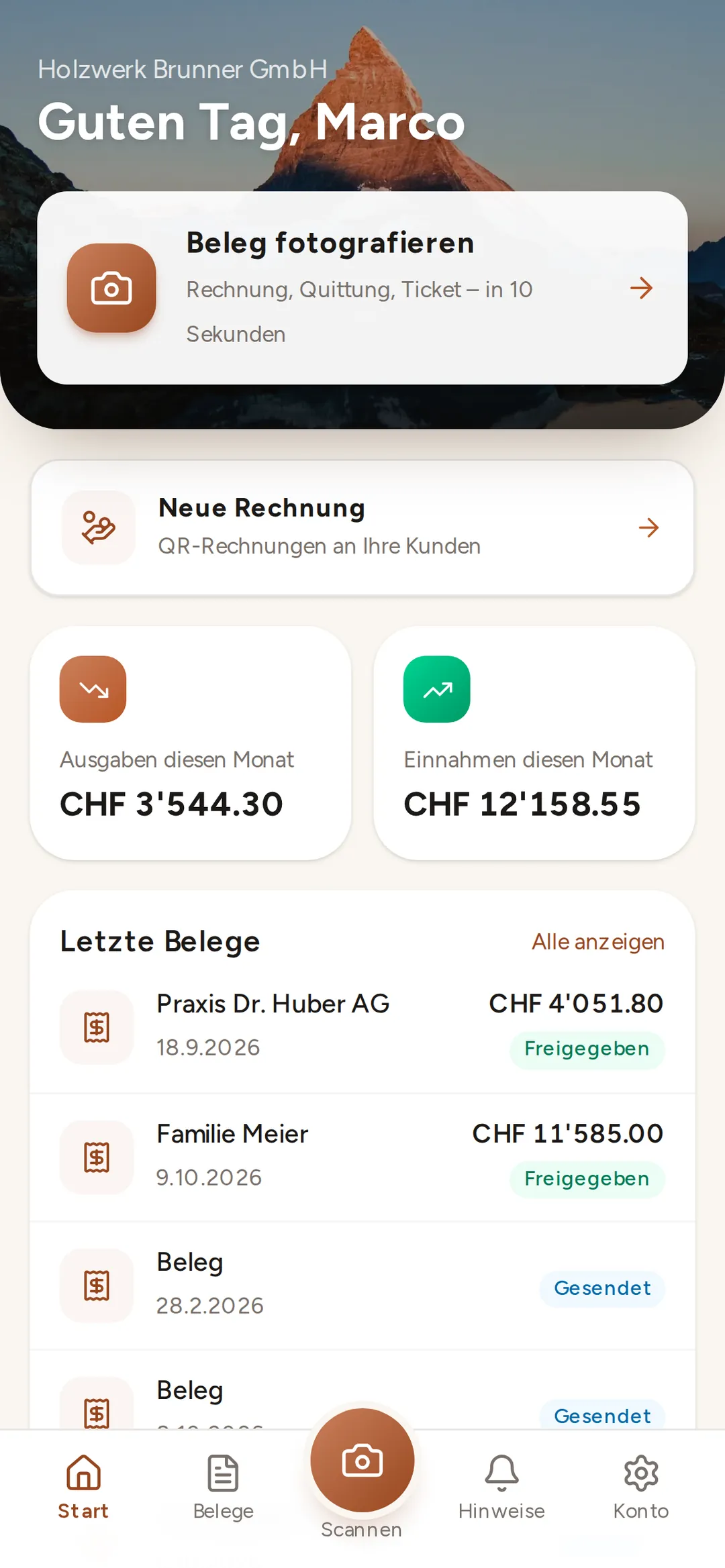
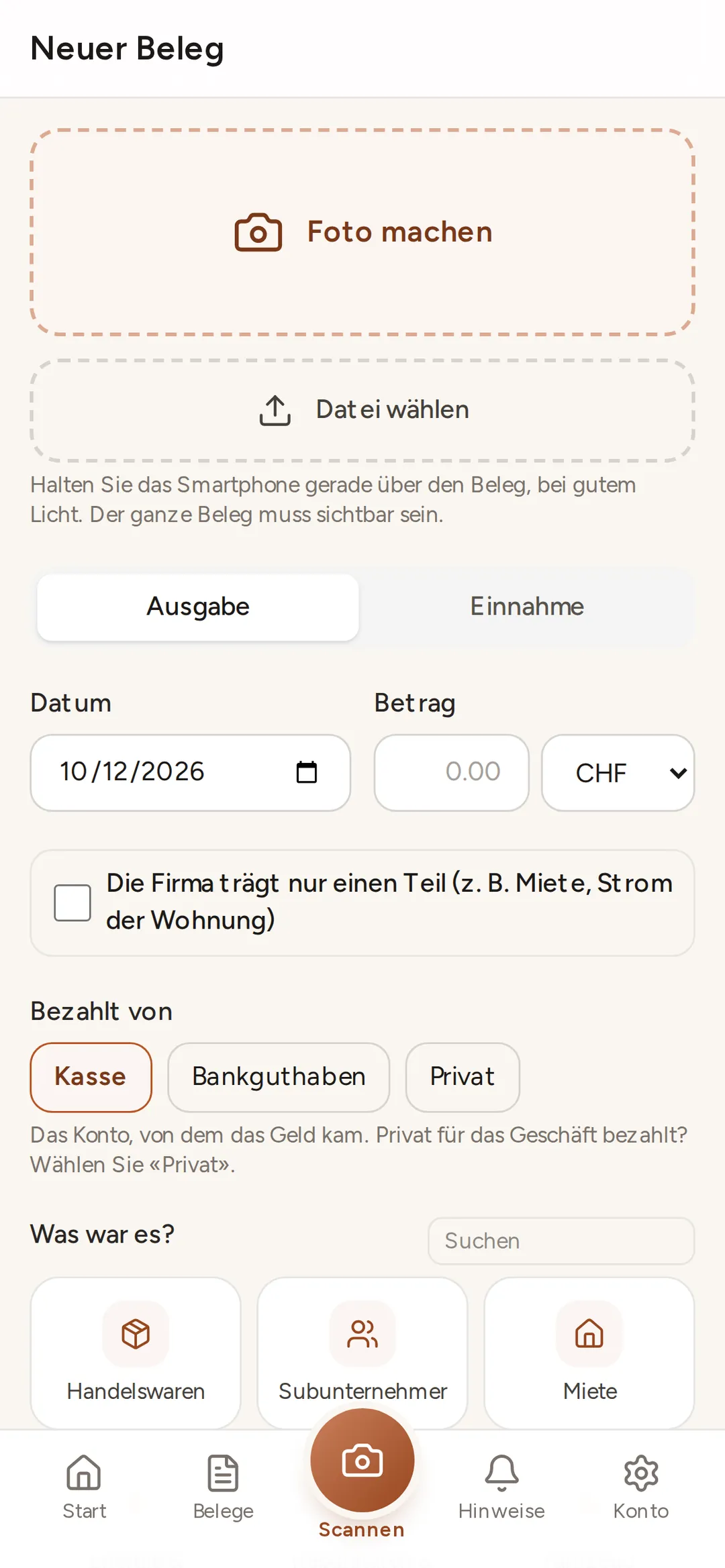
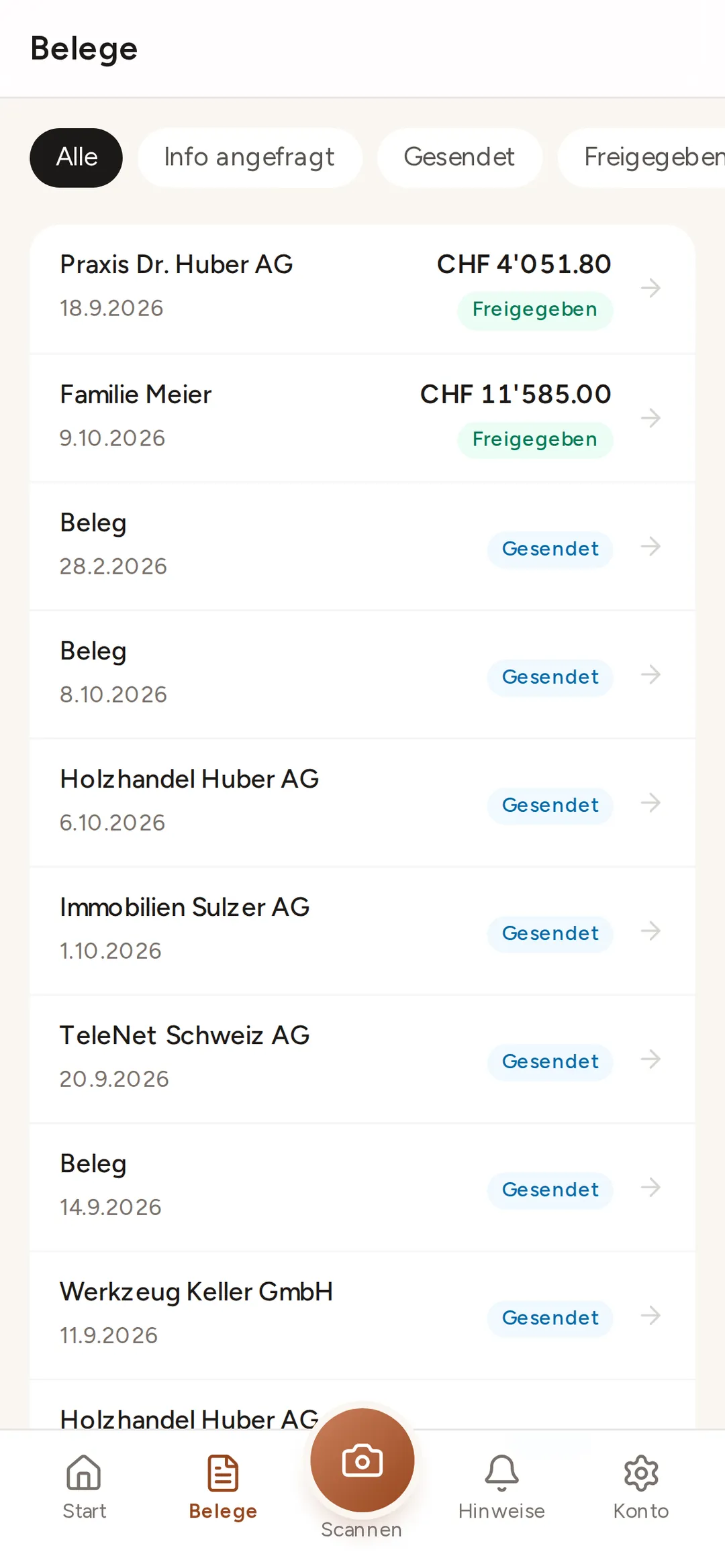
For clients: everything in the app
app.buchsnap.ch runs in the browser on iPhone and Android. Once installed, it sits on your home screen like any other app. No app store, no updates.
Six languages for mixed teams
Many small businesses employ people who don’t speak German. In Buchsnap, everyone chooses their own language: German, French, Italian, English, Spanish or Romanian. The interface and notifications then appear in that language.
- Several users per company
- Team roles within your accounting firm
- Deadline overview for each client
FAQ
Frequently asked questions
How do I invite my client?
Can several people from one company use it?
Do clients see their accountant’s logo?
Do push notifications work on iPhone too?
Which languages are available?
Try it out with one of your clients.
Free for accounting firms. Sign-up takes three minutes.