
Buchsnap app
Your receipts app. No App Store required.
Buchsnap is a web app: open app.buchsnap.ch once in your browser and add it to your home screen. From then on it launches like any other app, full screen, with its own icon and push notifications.
- iPhone, iPad and Android
- Always the latest version
- No App Store needed
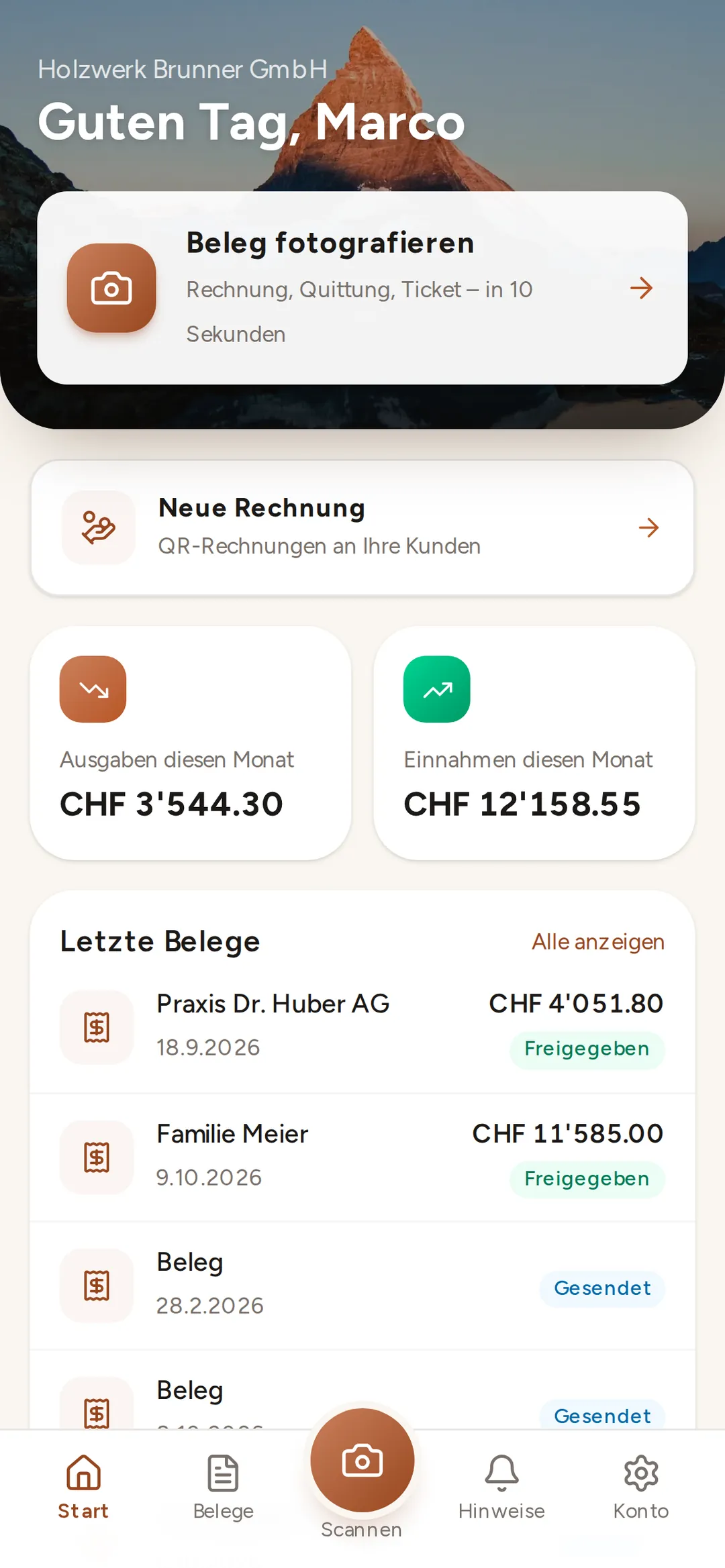
Buchsnap app
What the app can do
app.buchsnap.ch runs in the browser on iPhone and Android, and once installed it sits on your home screen like any other app. No App Store, no updates.
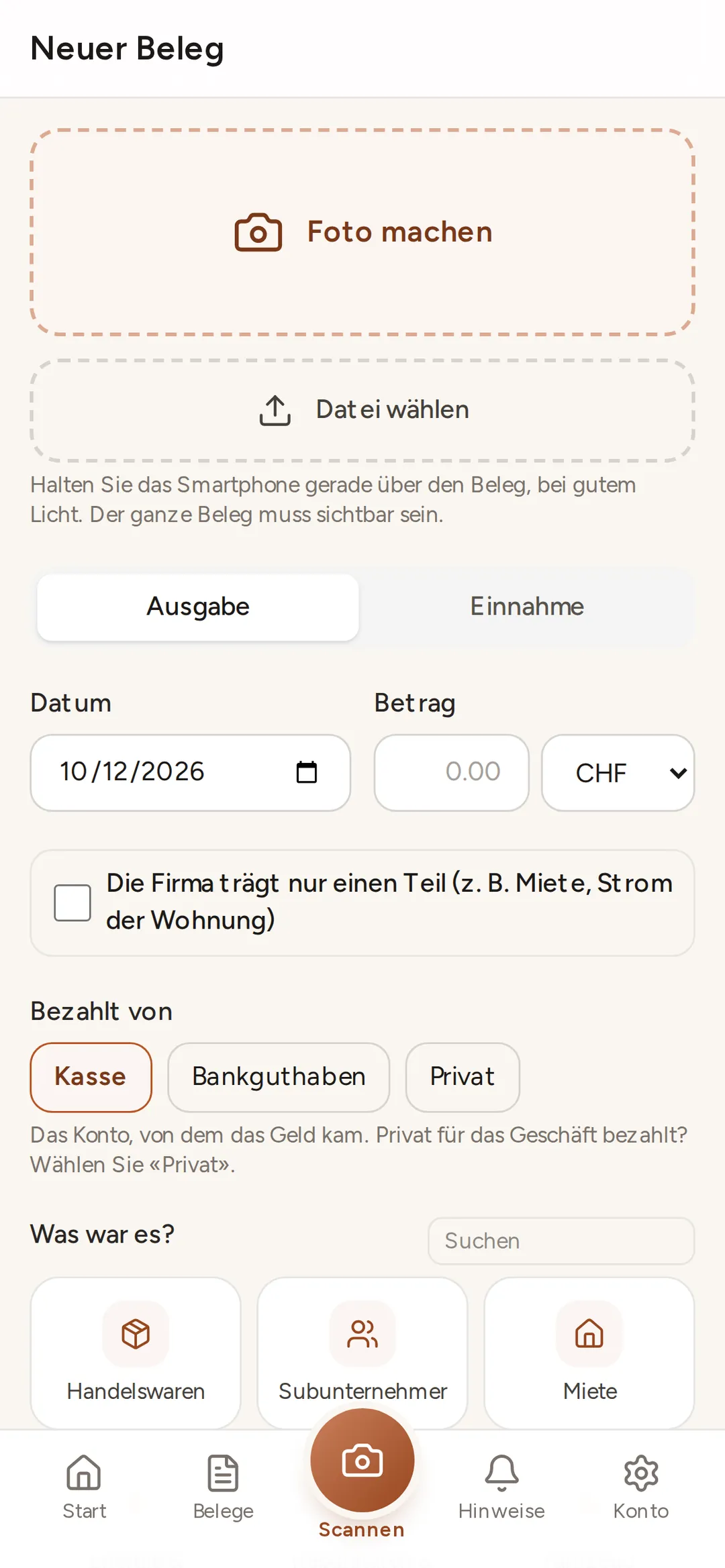
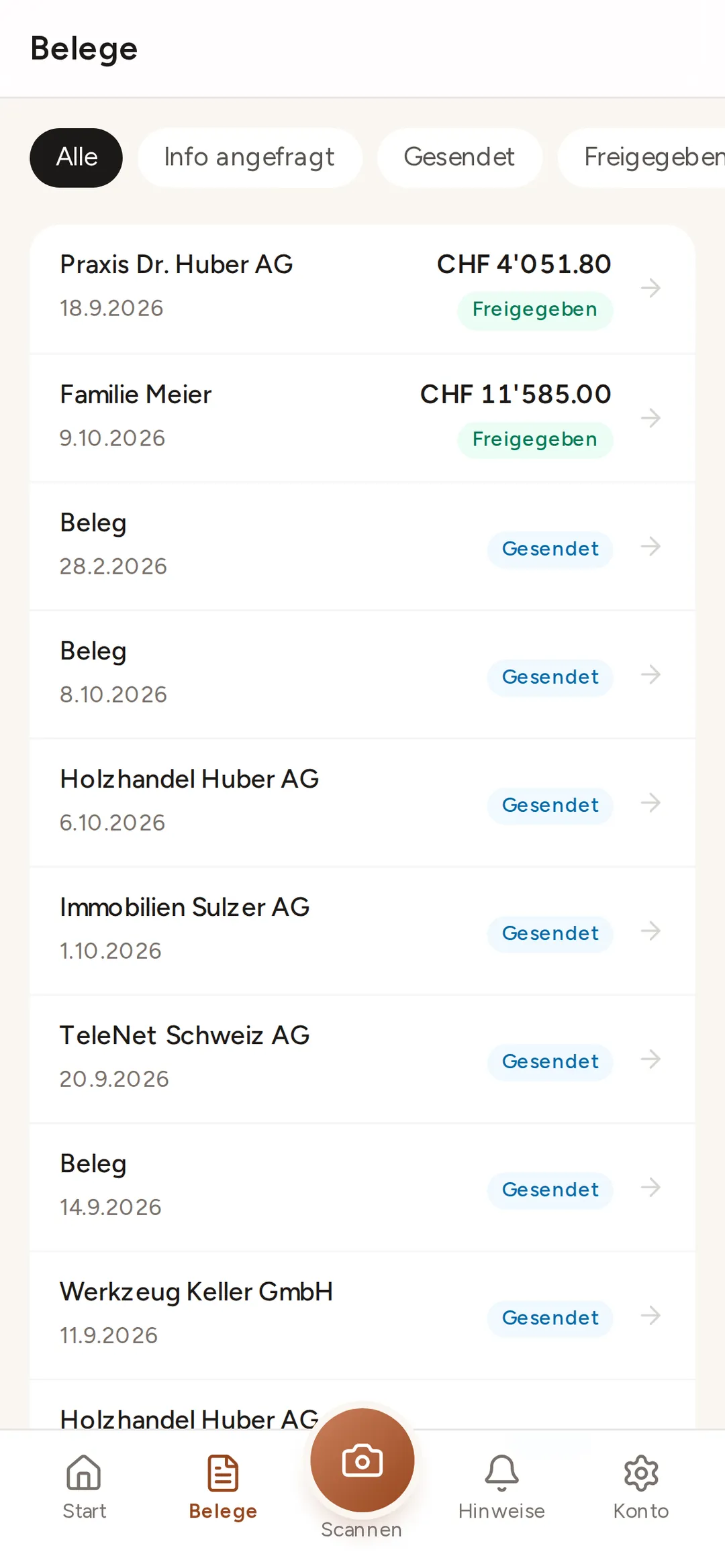
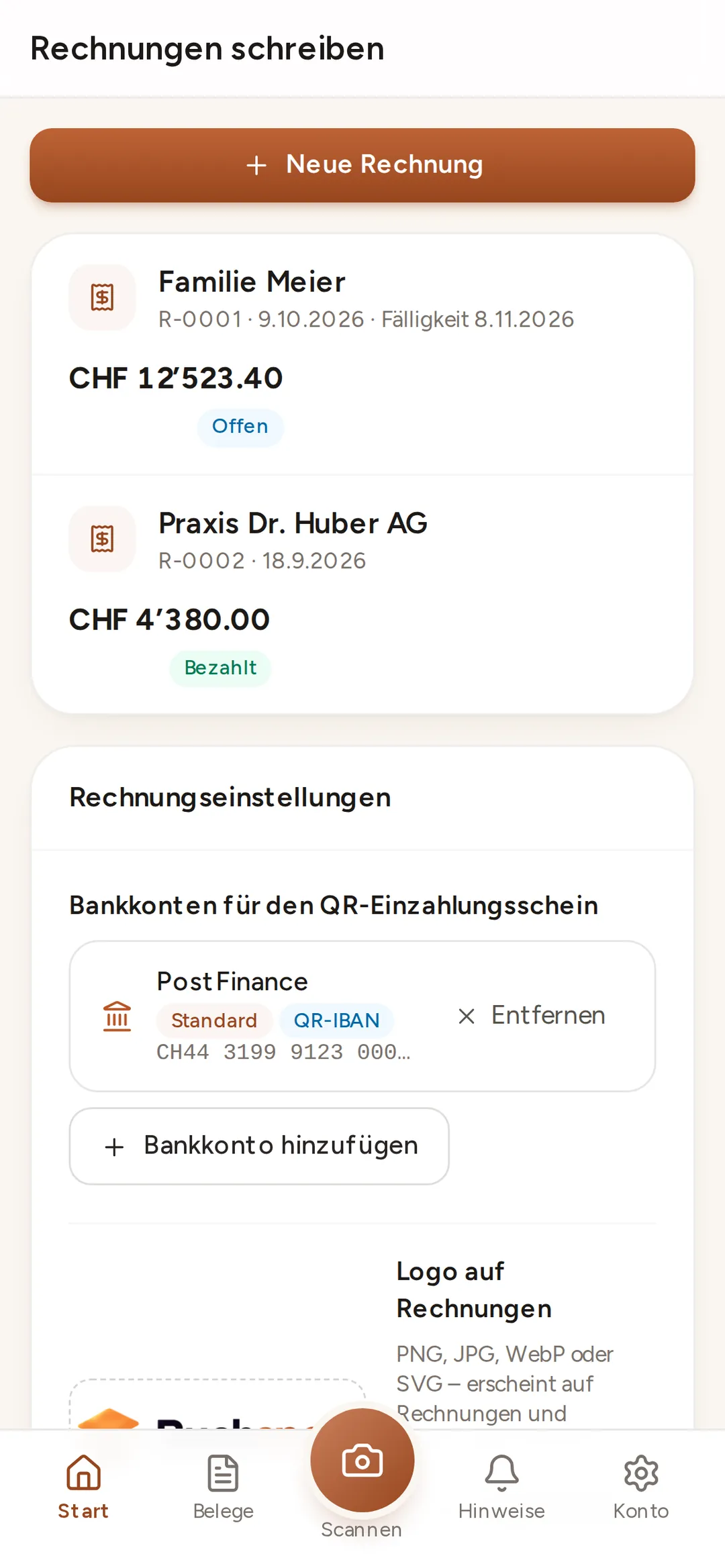
iPhone and iPad
Add it to your home screen in Safari
- 1
Open app.buchsnap.ch
Use Safari, not another browser.
- 2
Tap Share
The square with the upward arrow, at the bottom in the middle.
- 3
"Add to Home Screen"
Scroll down a little, then tap "Add".
- 4
Log in
Open Buchsnap and log in with your email address. Allow push notifications.
Android
Install it in Chrome
- 1
Open app.buchsnap.ch
Use Chrome or another browser.
- 2
"Install app"
Chrome usually shows the prompt itself. If not, choose "Install app" from the ⋮ menu.
- 3
Confirm
The Buchsnap icon then appears in your app drawer and on your home screen.
- 4
Log in
Log in with your email address and allow notifications.
FAQ
Questions about the app
Why isn't Buchsnap in the App Store?
Do push notifications work on iPhone too?
Does the app take up much storage?
Can I use the app without an accountant?
Are my photos safe?
No access yet?
Your accountant sets up your company in Buchsnap. Don't have an accountant yet? Our directory lists firms that work with Buchsnap.